1) Update Personal Details
Visit My Profile in the menu bar.
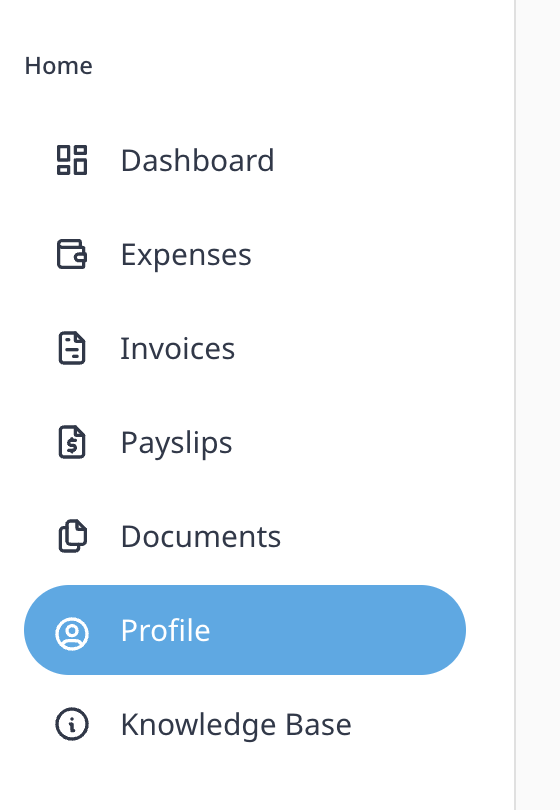
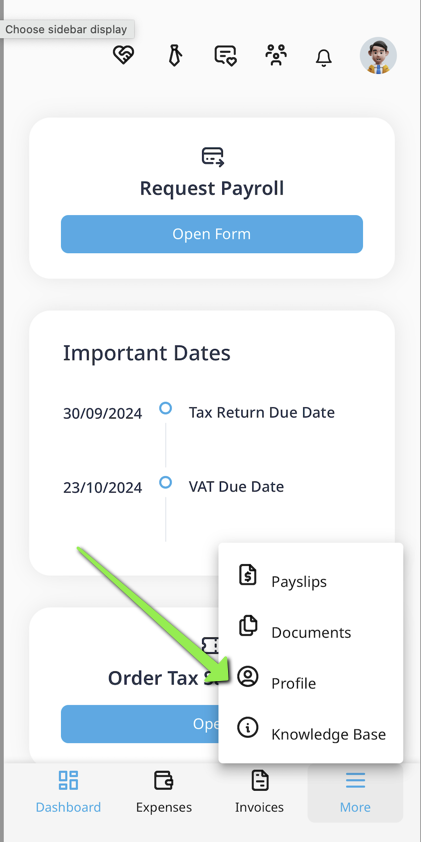
Visit Personal Details on the top menu bar.
Edit the information you would like to update or change. This includes your:
Name, Contact Email, Mobile Phone, Home Phone, Nationality, Date of Birth, PPS Number, EU Citizen, Address.
Click SAVE to confirm your changes
2) Update Account Details for Payment
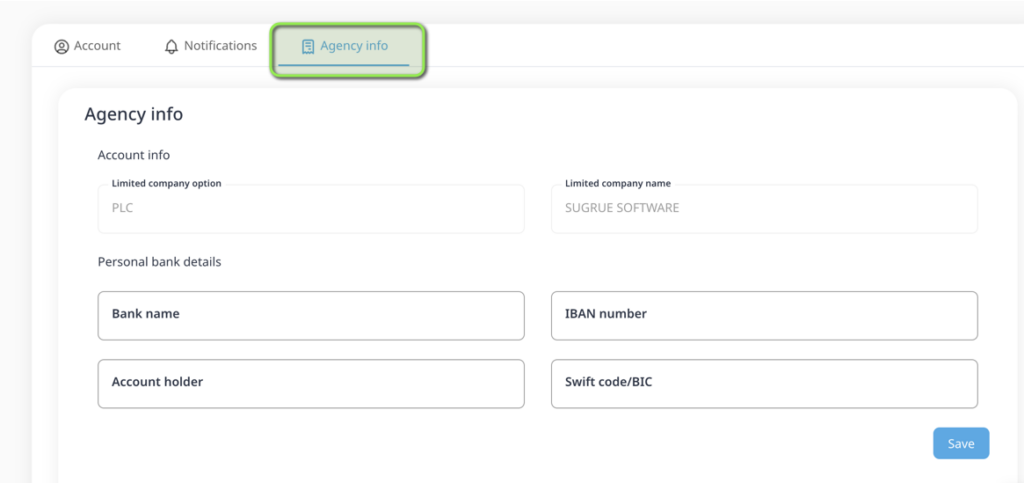
Visit ‘Agency info’ on the top menu bar.
Enter or Edit the Bank information you would like your Contract Payments sent to.
N.B Ensure your agency and rate is correct on your account – This is essential to receive correct contract payments
If you need to update your agency details or rate, please email
contractorsupport@iconaccounting.ie and they will update your account.
Leave a Reply